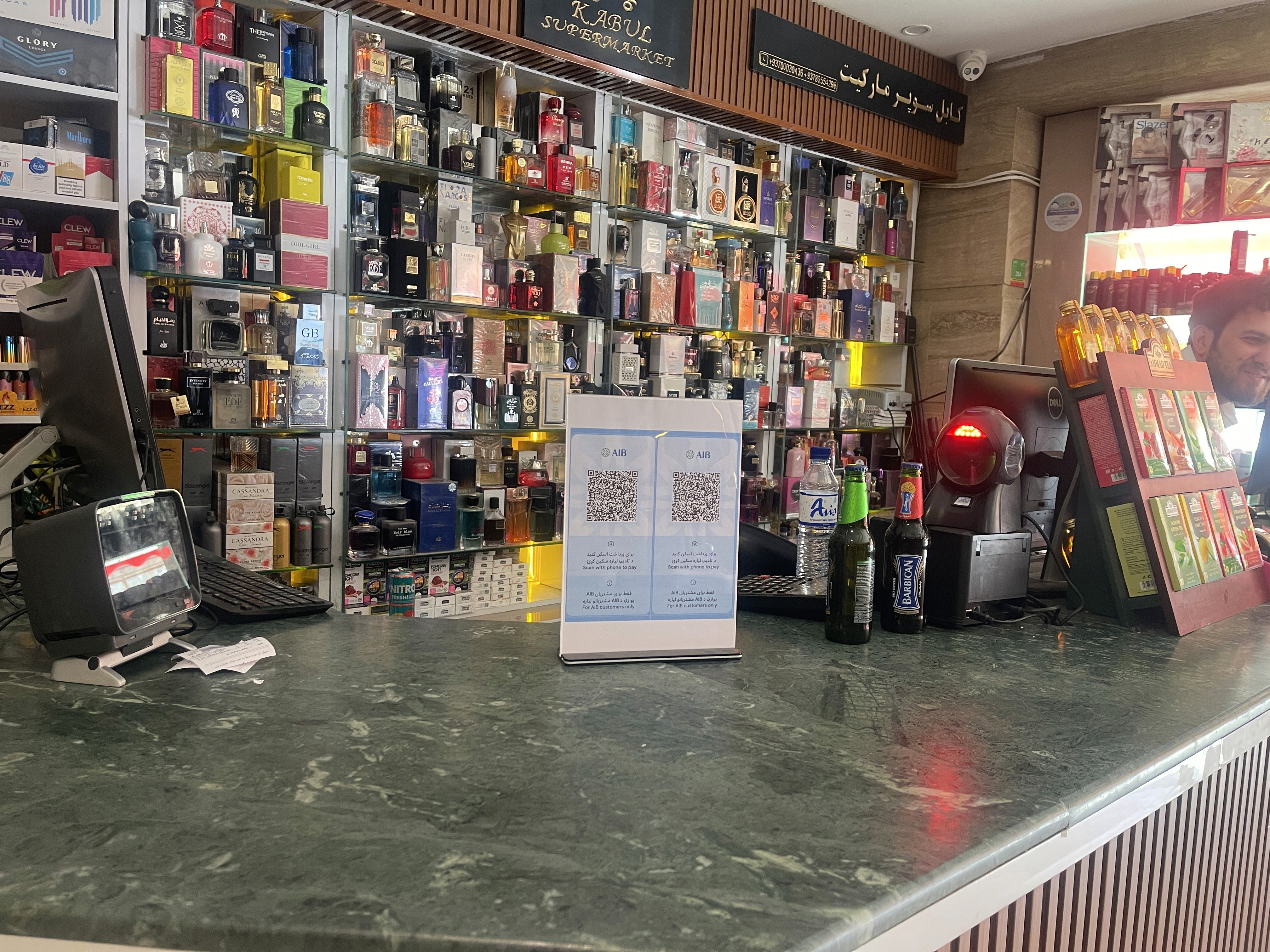

To complete a purchase using a merchant's QR code, follow these steps within the AIB mobile application:
Step | Action | Description |
1 | Scan | Open your camera and scan the merchant QR Code |
2 | Enter | Type in the exact amount you need to pay for your purchase. |
3 | Confirm | Approve the transaction with a single tap to complete the payment. |